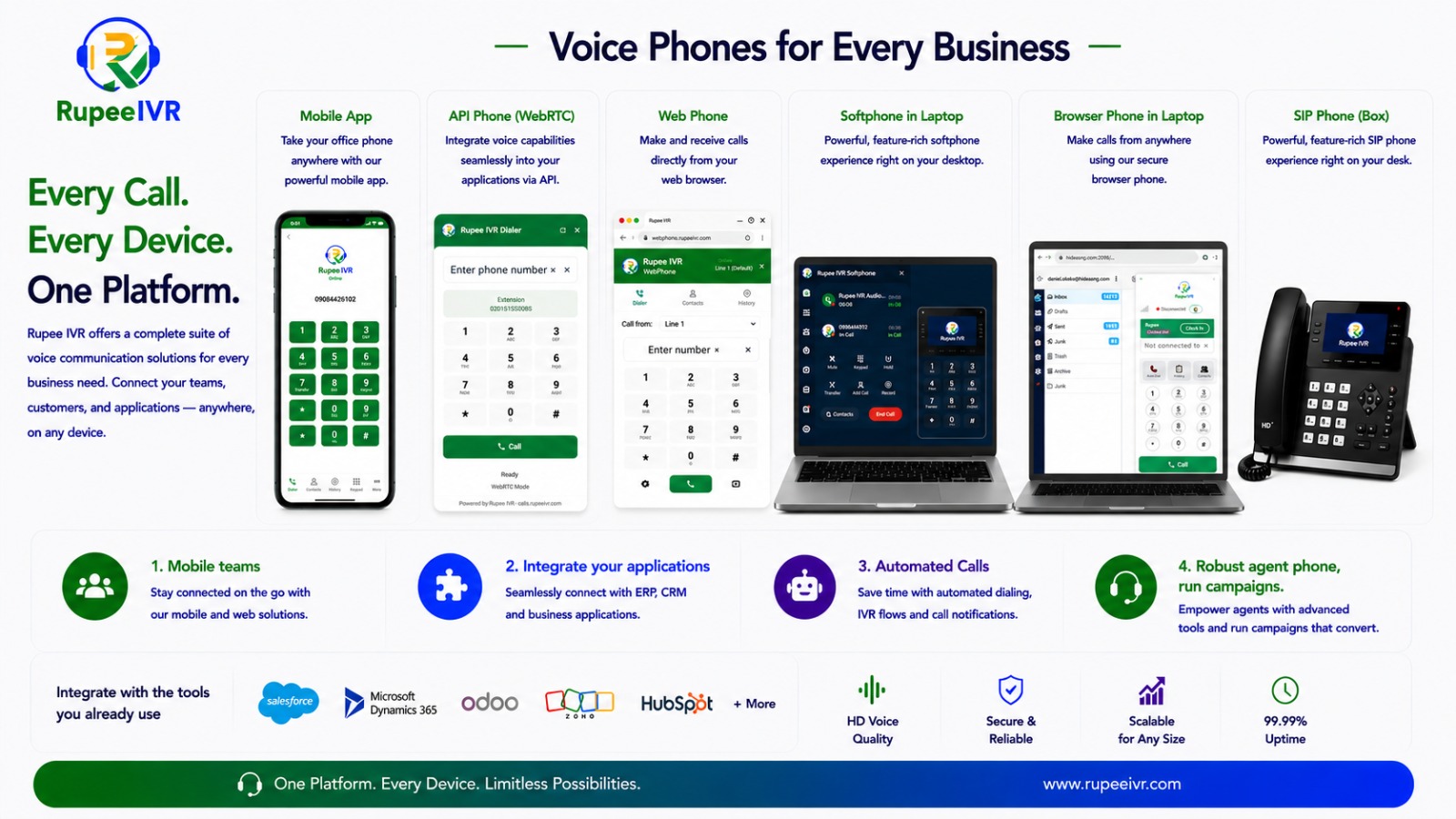
Rupee empowers your sales and telesales teams to connect faster, engage smarter, and convert more prospects through intelligent outbound communication tools.
With features like bulk email broadcasting, auto dialer campaigns, click-to-call, robo call functionality, and business caller ID management, your team can maximize outreach efficiency while maintaining professional customer engagement.
Rupee helps businesses turn outbound communication into a structured, measurable, and scalable sales engine.
Deliver faster, smarter, and more professional customer support experiences with Rupee’s intelligent inbound communication system.
Through well-structured IVR flows, queue management, and skill-based call routing, Rupee ensures every customer is directed to the right department or support agent with minimal wait time.
Rupee transforms traditional customer support into a modern cloud contact center experience designed for efficiency, accountability, and exceptional customer engagement.
Rupee keeps your remote teams connected and productive with a cloud-based platform, global call routing, and real-time monitoring, where agents can work from anywhere while maintaining seamless communication and high performance.
Rupee IVR Compact Center enables businesses to reach thousands of customers automatically through prerecorded promotional voice messages, announcements, reminders, and automated robo calls.
The platform automatically dials uploaded phone numbers, plays your prerecorded audio message, and proceeds to the next recipient—allowing organizations to run large-scale outbound voice campaigns quickly and efficiently.
Whether for promotions, awareness campaigns, payment reminders, political messaging, service notifications, or emergency announcements, Rupee helps businesses automate outbound communication at scale.
Create and finalize the promotional, informational, or announcement audio message to be played during outbound calls.
Upload the prerecorded audio file into the Rupee IVR Compact Center platform.